
Appearance
Themes
Open Themes in the left menu (on a phone: Menu, top right, then Themes). You can also land here right after you approve an outline (Pick your look).
Each card can say Use this → or ✓ current.
You can change the theme later. Skipping the gallery leaves the default look.
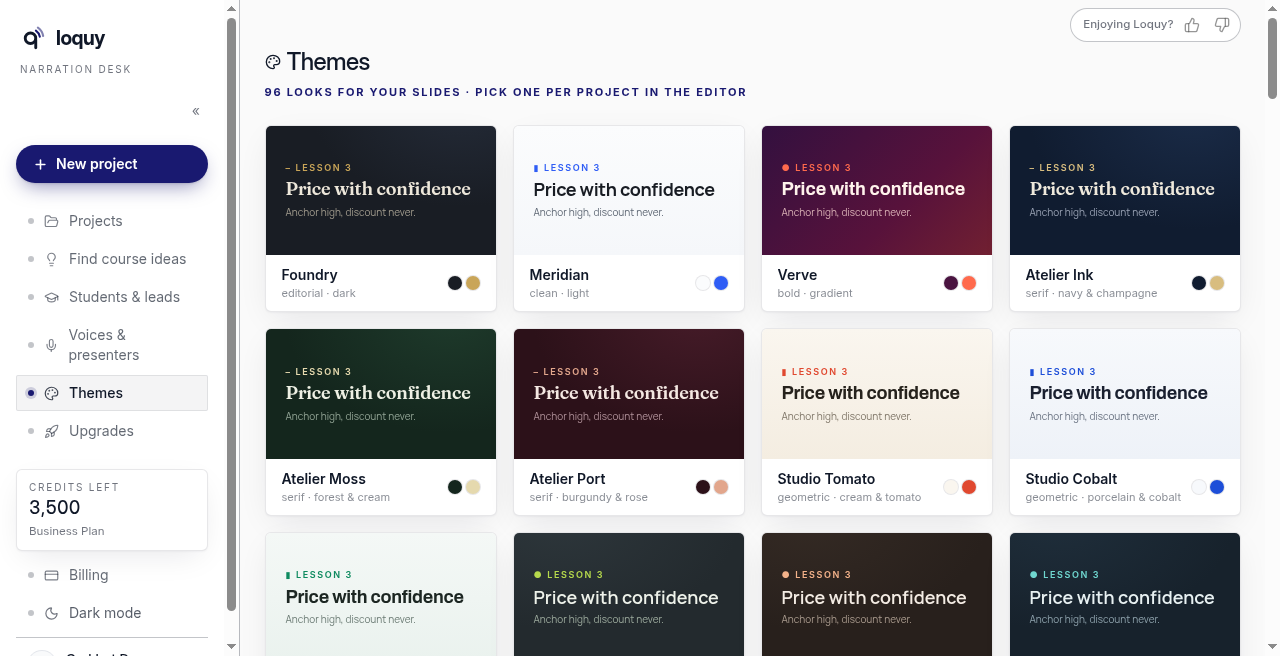
How many themes do you get?
Standard includes 32 themes. Premium and Business include all themes (about 96 looks) plus the custom theme builder.
Extra cards may show a lock or Pro — that means they need a higher plan, not a fourth plan name.
Pick a theme while the course writes
After Approve outline & write my course, Loquy may send you to Themes with a banner that writing is running in the background.
- Click Use this → on a look you like.
- You return to the Course builder as writing finishes.
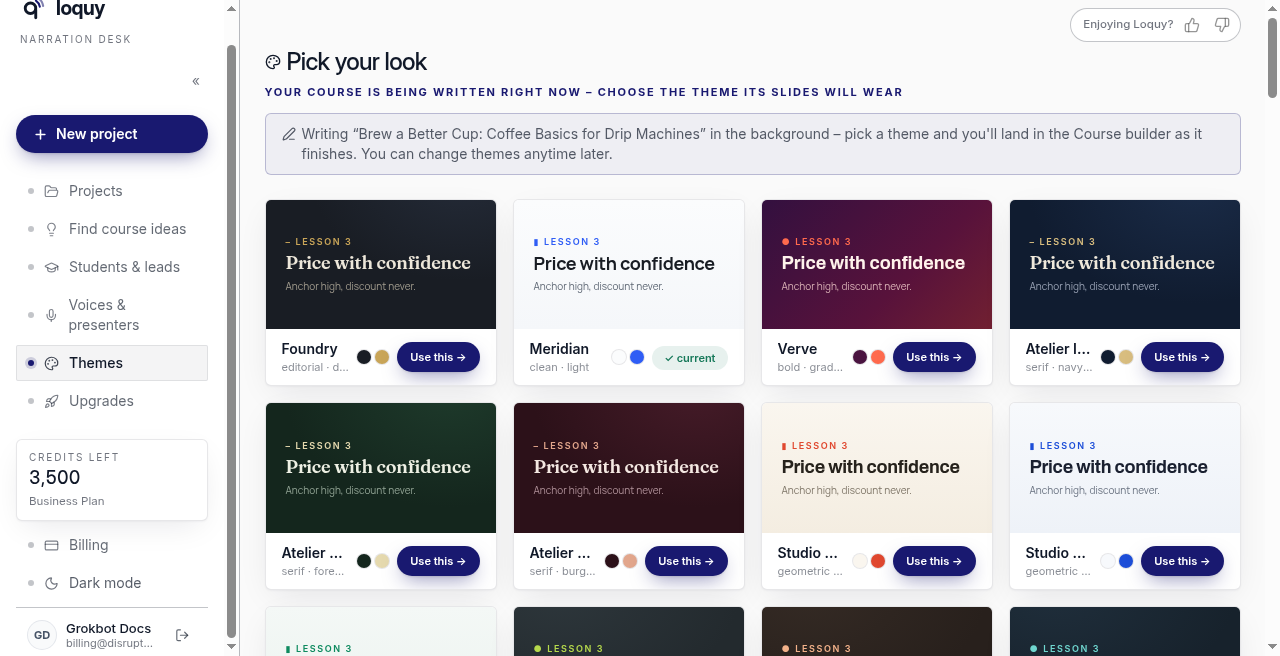
You can change themes any time from Themes or from the lesson Style door.
Tip: remember the theme name if you want the same look on another module or project.