
Appearance
Certificates
Completion certificates are a Business feature.
Standard and Premium do not include certificates.
Unlock the certificate
- Add at least one quiz from the page editor Student extras.
- Open the Course page step.
- Find Completion certificate.
Until a quiz exists, the row says Add quizzes first – certificates unlock when lessons have quizzes.
After a quiz exists you can Add to page or Remove from page.
What students see
On the live course page they see Earn your completion certificate (or the same line in the course language).
The button is My certificate →.
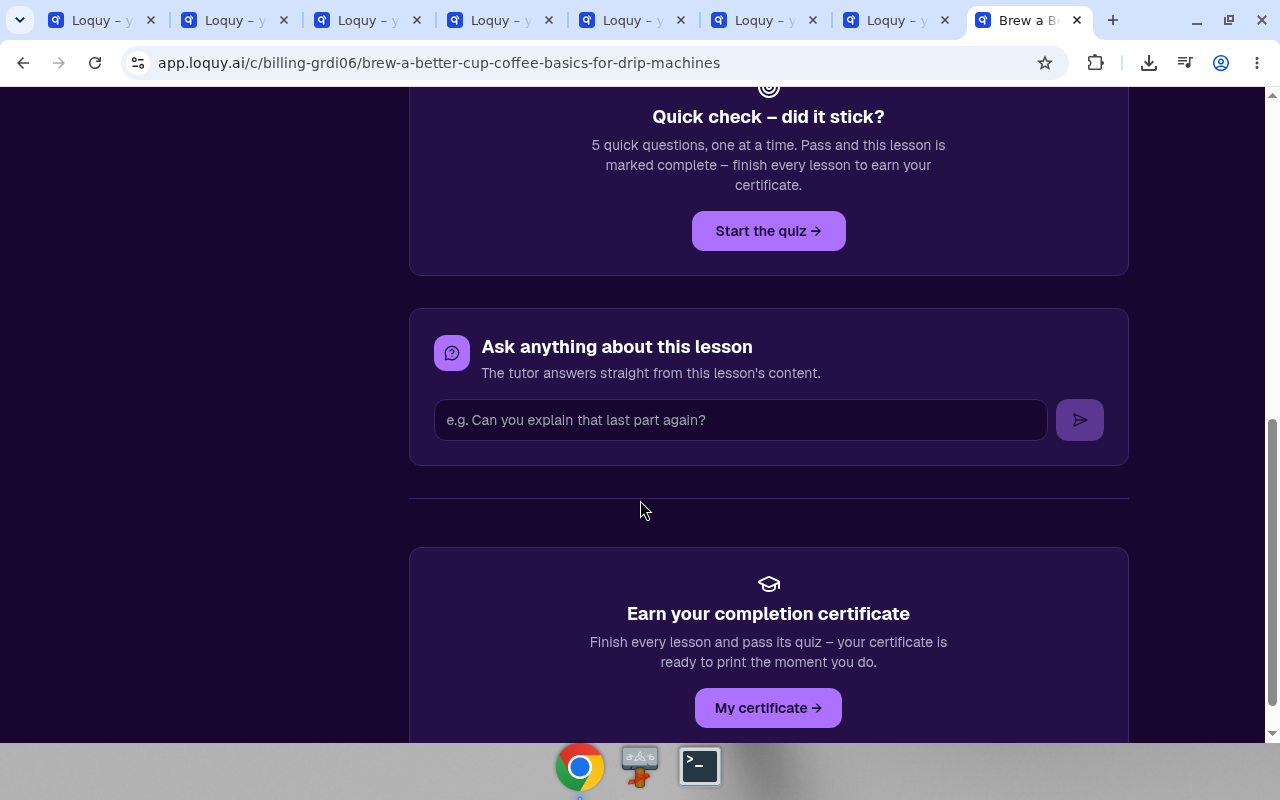
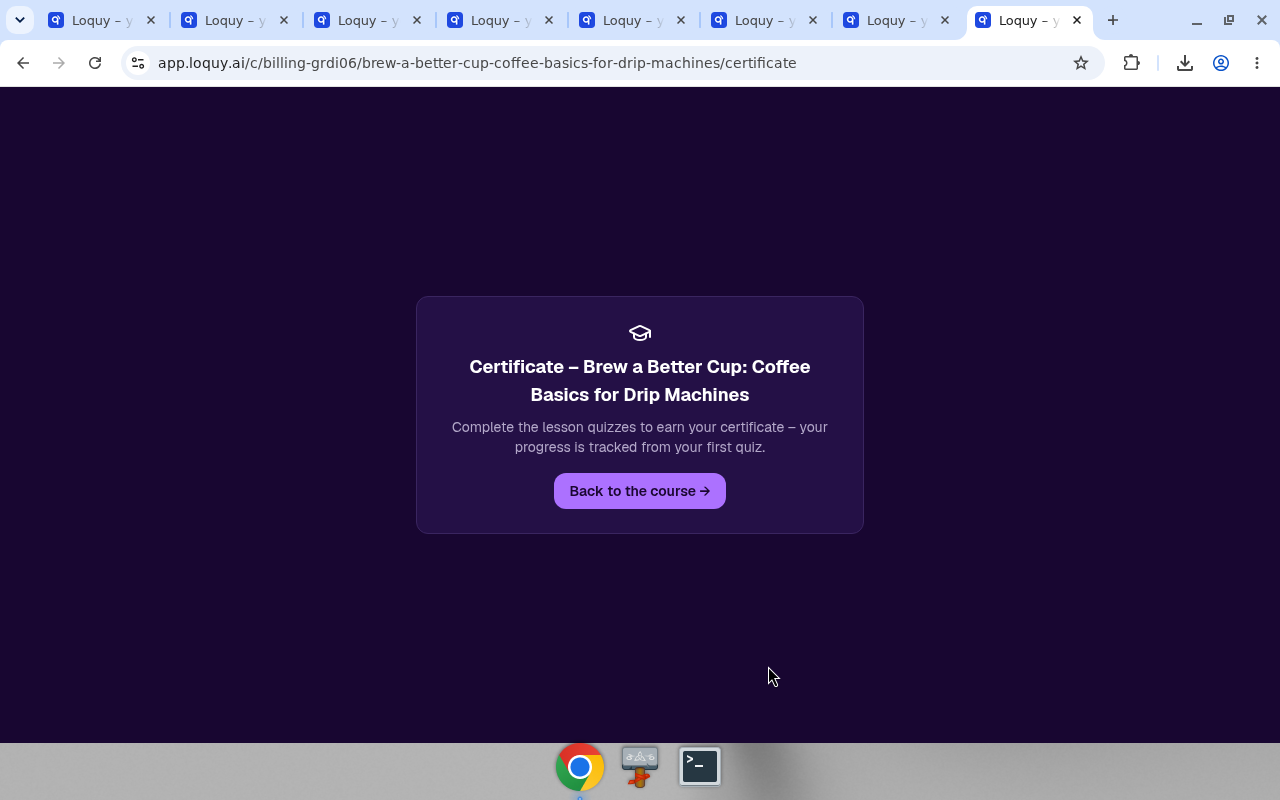
That opens /certificate. If they have not passed the quizzes yet, the page says Complete the lesson quizzes to earn your certificate.
Print
When every lesson quiz is passed, the certificate is ready to print from the browser.
The date on the certificate is the day the student passed their last quiz. It stays the same when they print it again later, or retake a quiz they already passed.