
Appearance
Students and leads
Students & leads is a Premium and Business feature.
Standard has no hosted course page and no student list.
Open the list (Premium and Business)
- Publish a course page.
- In the left menu, click Students & leads (on a phone: Menu, top right, then Students & leads).
- Or open one course and go to that course’s students screen.
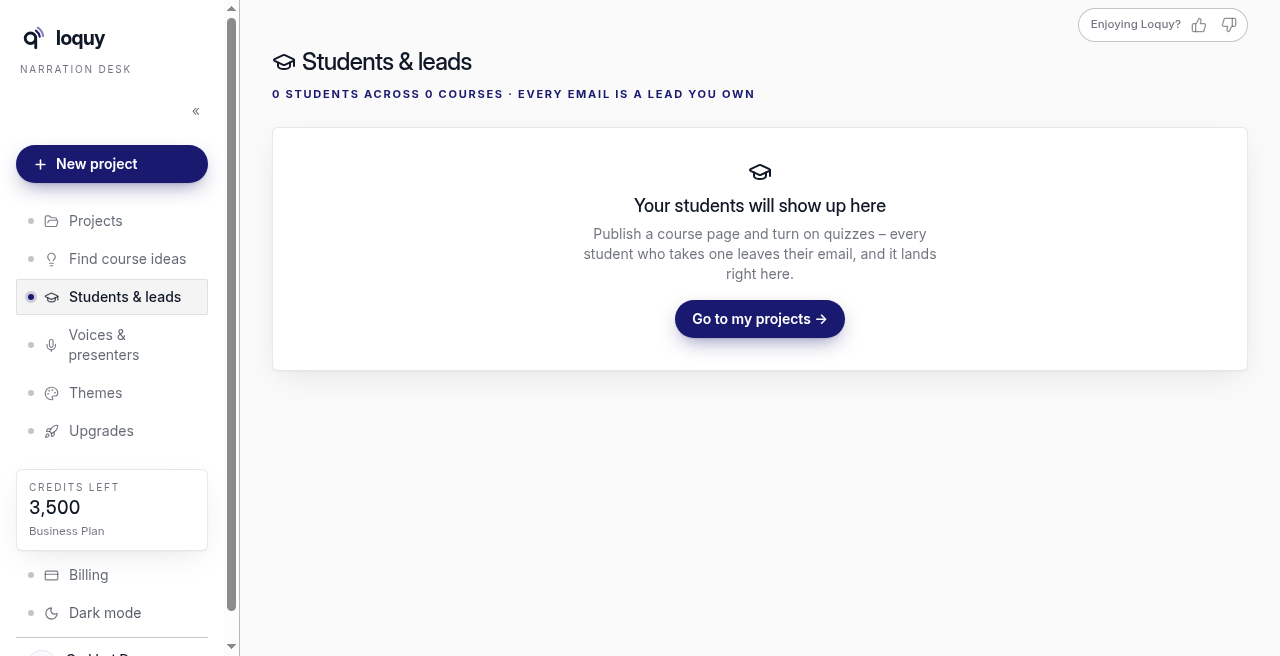
The page title is Students & leads.
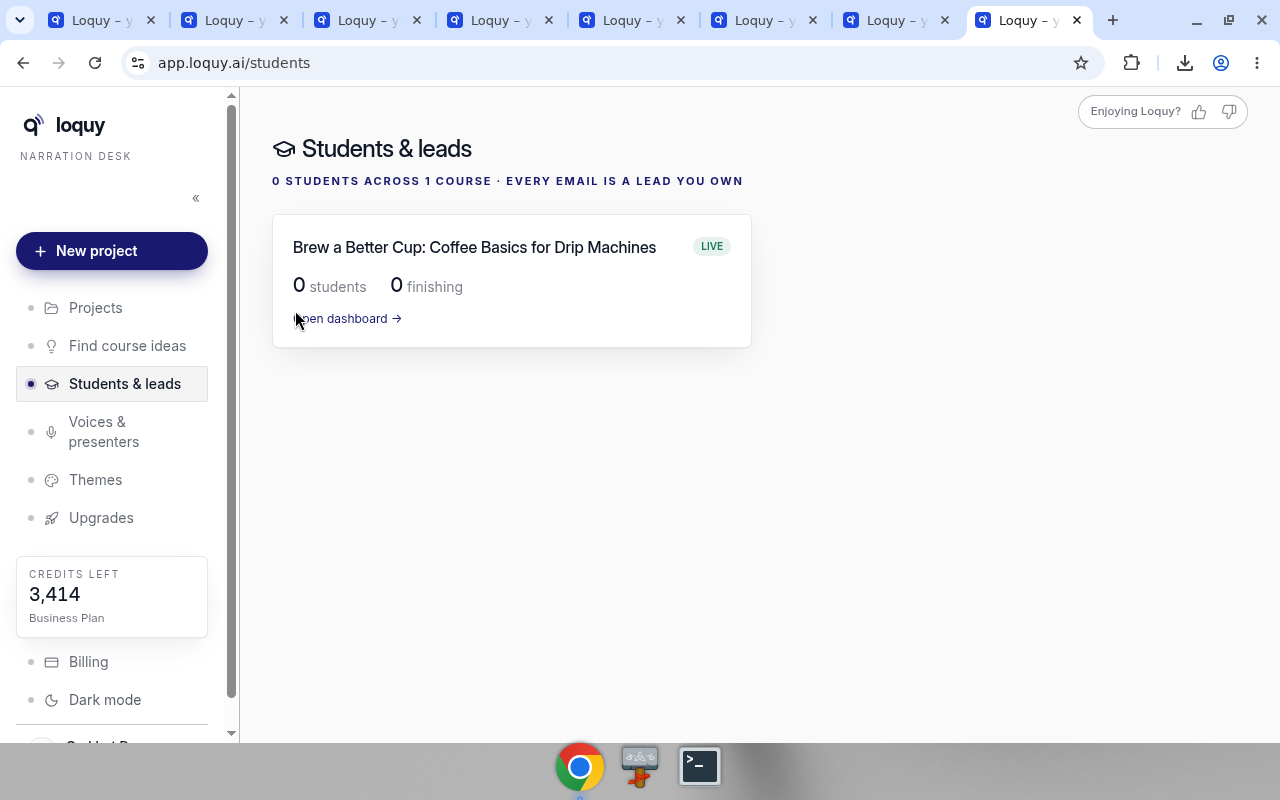
You will see a card per published course, with a student count and Open dashboard →. Live courses show a LIVE badge.
Students do not create a Loquy author account.
On Premium, they leave an email when they sign up on your page (Signup in the page editor).
On Business, they also appear after the first quiz submission.
If the list is empty, the page says Your students will show up here. It tells you to publish a course page and turn on quizzes so a student who takes one leaves their email.
Business extras
Business also includes:
- The Students & Leads dashboard
- A leads CSV export
- Welcome email · Sent on signup (Turn off / Customize on the Course page step)
- Quizzes, certificates, workbooks on the page, and the AI tutor
Those academy tools are Business only.
Premium can see the student list. Premium does not get the CSV export or the Business academy tools above.
If you are on Standard
The empty state is expected. Use Download instead.