
Appearance
Download
Every plan can download the course. This is how Standard delivers — there is no hosted Loquy URL on Standard.
Do not look for a public course page on Standard. Use the files below.
Render a lesson video first. See Render.
From a lesson (every plan)
- Open a lesson in the editor.
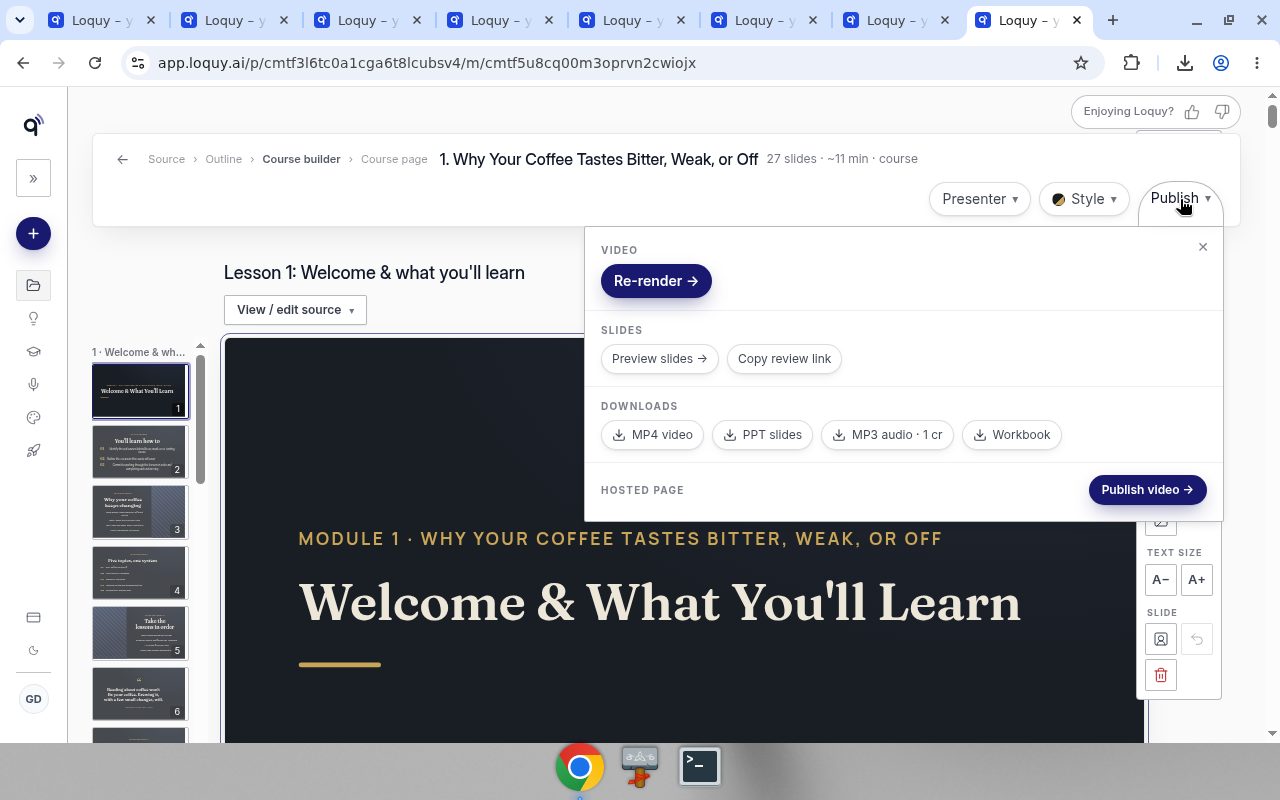
- Click Publish ▾
- The menu is Video, Slides, Downloads, then Hosted page.
| Section | Control | Cost |
|---|---|---|
| Video | Re-render → (or Render video → before the first render) | The render cost |
| Slides | Preview slides →, Copy review link | Free |
| Downloads | MP4 video | Free |
| PPT slides | Free on Premium and Business. Standard sees a Premium chip | |
| MP3 audio · 1 cr (then MP3 audio once it exists) | 1 credit | |
| Workbook | Opens the workbook page | |
| Hosted page | Publish video → | Free |
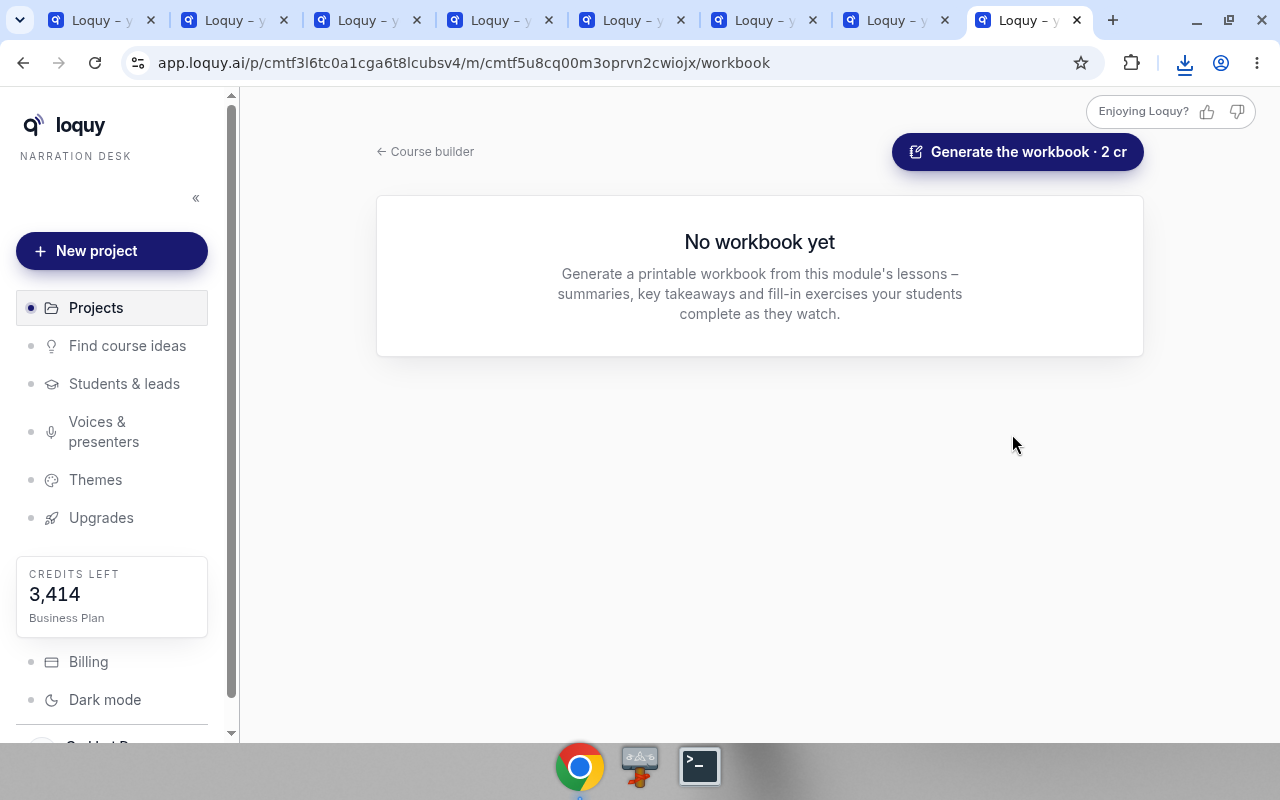
Workbook opens /workbook. If none exists yet, the page says No workbook yet. Click Generate the workbook · 2 cr.
To hand it out, click Print / save as PDF and pick Save as PDF (or a printer) in your browser's print window. The workbook prints the same on any computer: the takeaway arrows and checklist boxes are drawn shapes, not font characters, and long dashes print as a plain hyphen ( - ), so no reader sees a broken-character box in their PDF. Your saved workbook text is not changed.
Publish video → hosts a single lesson watch page. That is not a full course page. Standard should skip it and keep the files.
Transcript
There is no standalone transcript download.
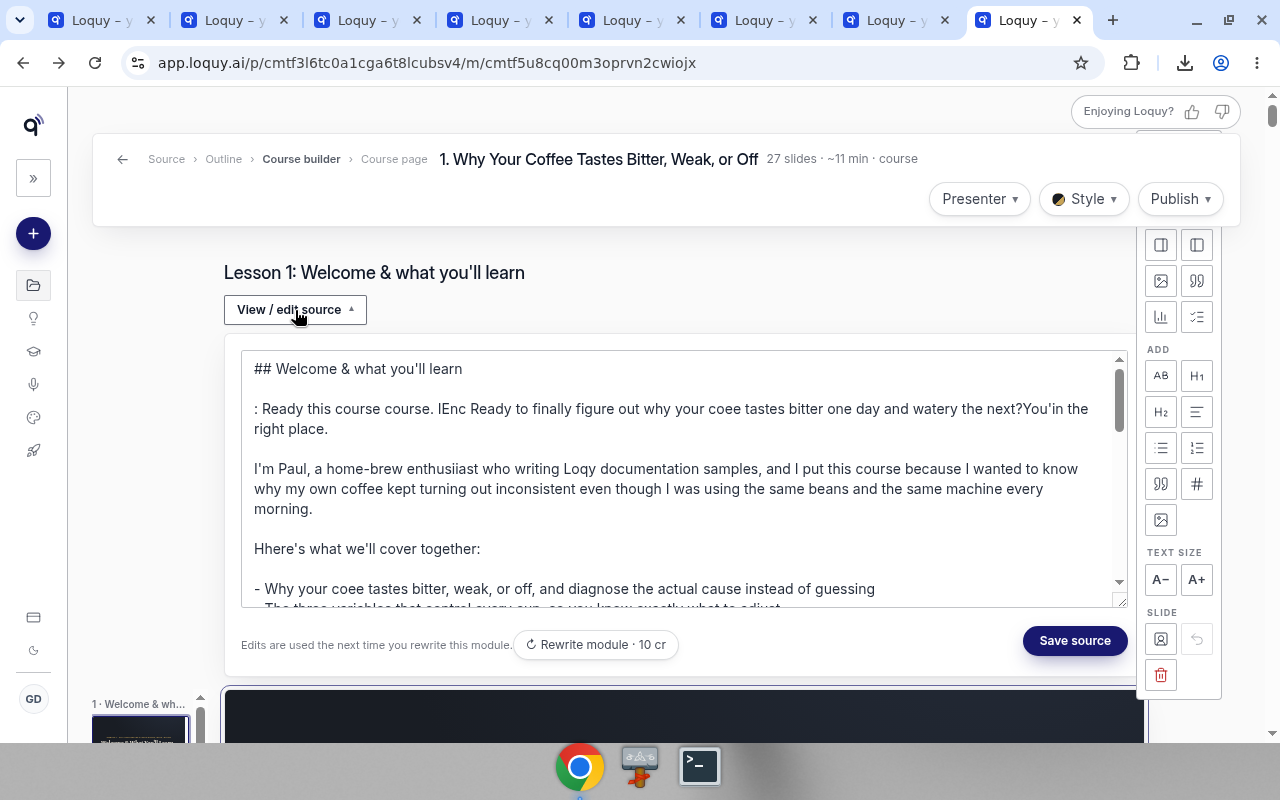
Open View / edit source on the lesson to read or change the source text.
Save source updates the narration of any slide that speaks a changed sentence word for word. Pictures stay. ↻ Rewrite lesson rebuilds that lesson's slides from the source. See Change a sentence without losing your pictures.
Whole-course download (Standard’s Course page step)
On the Course page step, Standard sees Download your course, not a hosted publish path.
- Open the project’s Course page step.
- Click Download course – MP4s, scripts & workbooks
- Or open Download course for the bundle.
That page can pack videos, audio, scripts, and workbooks into a zip.
If you are on Premium or Business
You can still download. Hosted publishing is extra. See Publish.