
Appearance
Publish
Hosted publishing is a Premium and Business feature.
Standard does not publish a Loquy course URL. Standard authors download the course and host it elsewhere.
Publishing the page is free. There is no credit confirm.
Before you publish
Render at least one lesson video. Publish course page → stays locked until then. You can still dress the page.
See Render.
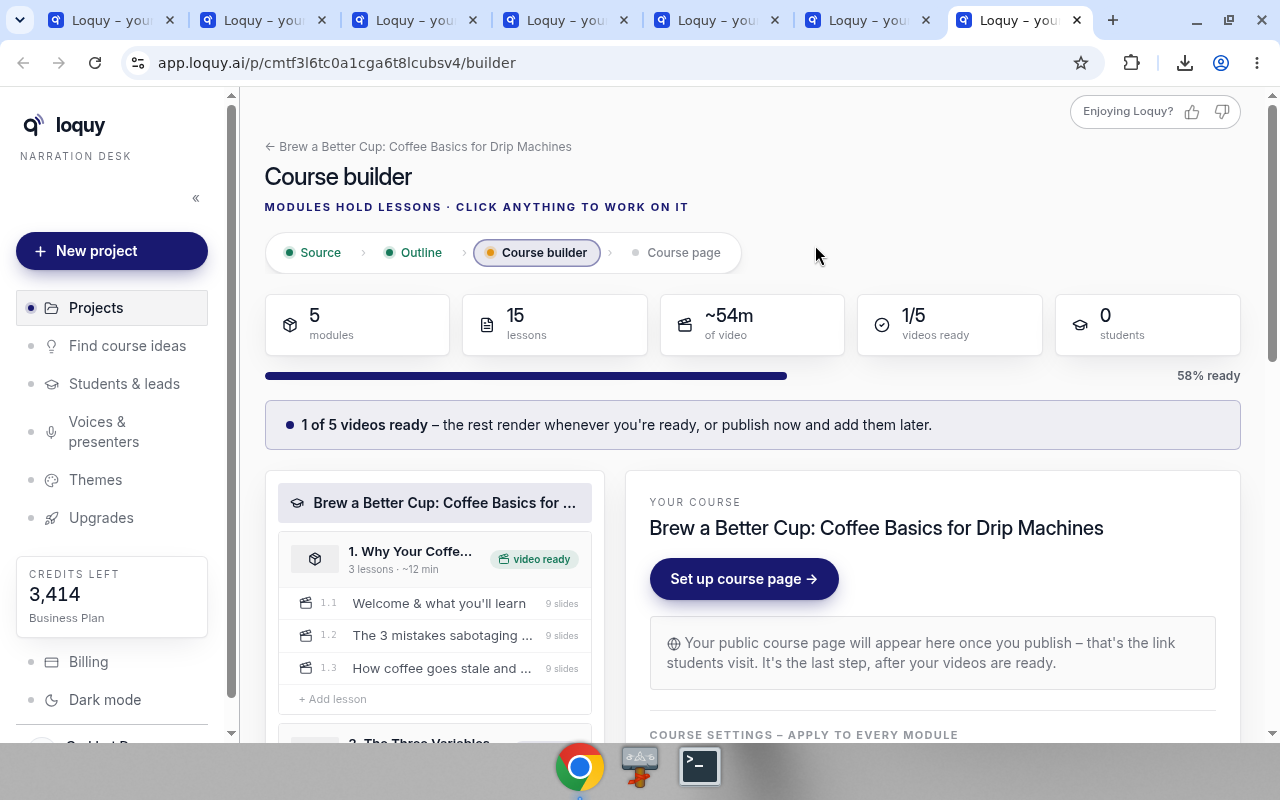
Open the Course page step
The project step is Course page. Copy on the page: one public page with every lesson.
The checklist is:
- Render your lessons
- Dress the page (optional)
- Publish & share the link
Click Open the page editor → to design the public page.
Dress the page
In the page editor, open Add.
The Add menu is CONTENT then STUDENT EXTRAS.
Content: Heading, Subheading, Text, Callout, Checklist, Materials, Button, Video, Divider.
Student extras:
- Signup
- Quiz (free) — Business
- Workbook · 2 cr — Business
- Study pack · 1 cr — Business
- AI tutor (free) — Business
Premium can add Signup. Quizzes, workbooks on the page, study packs, and the AI tutor are Business. See Quizzes and AI tutor.
Course page extras
Back on the Course page step you may also see:
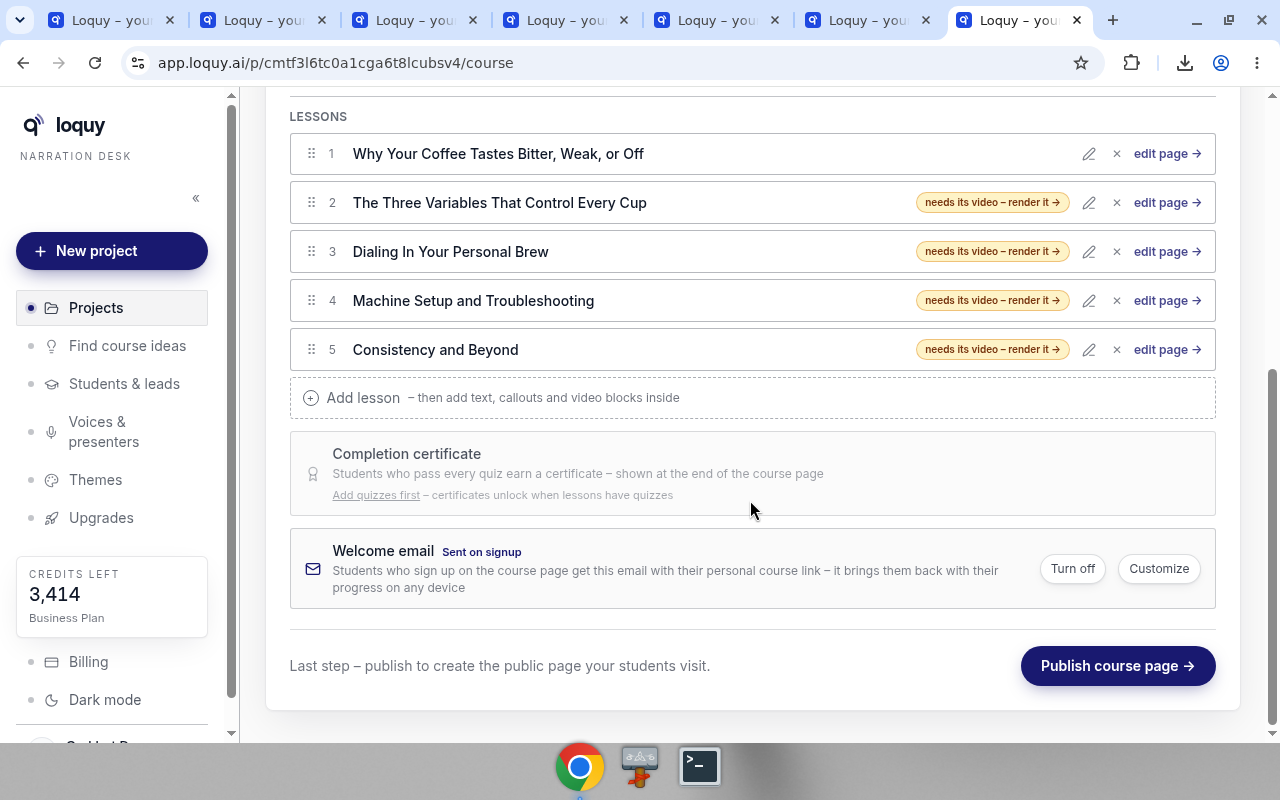
- Completion certificate — gated until a quiz exists. Copy: Add quizzes first – certificates unlock when lessons have quizzes. Business. See Certificates.
- Welcome email · Sent on signup — Turn off or Customize. Business.
Publish the page
- Render at least one video.
- Open Course page.
- Click Publish course page →
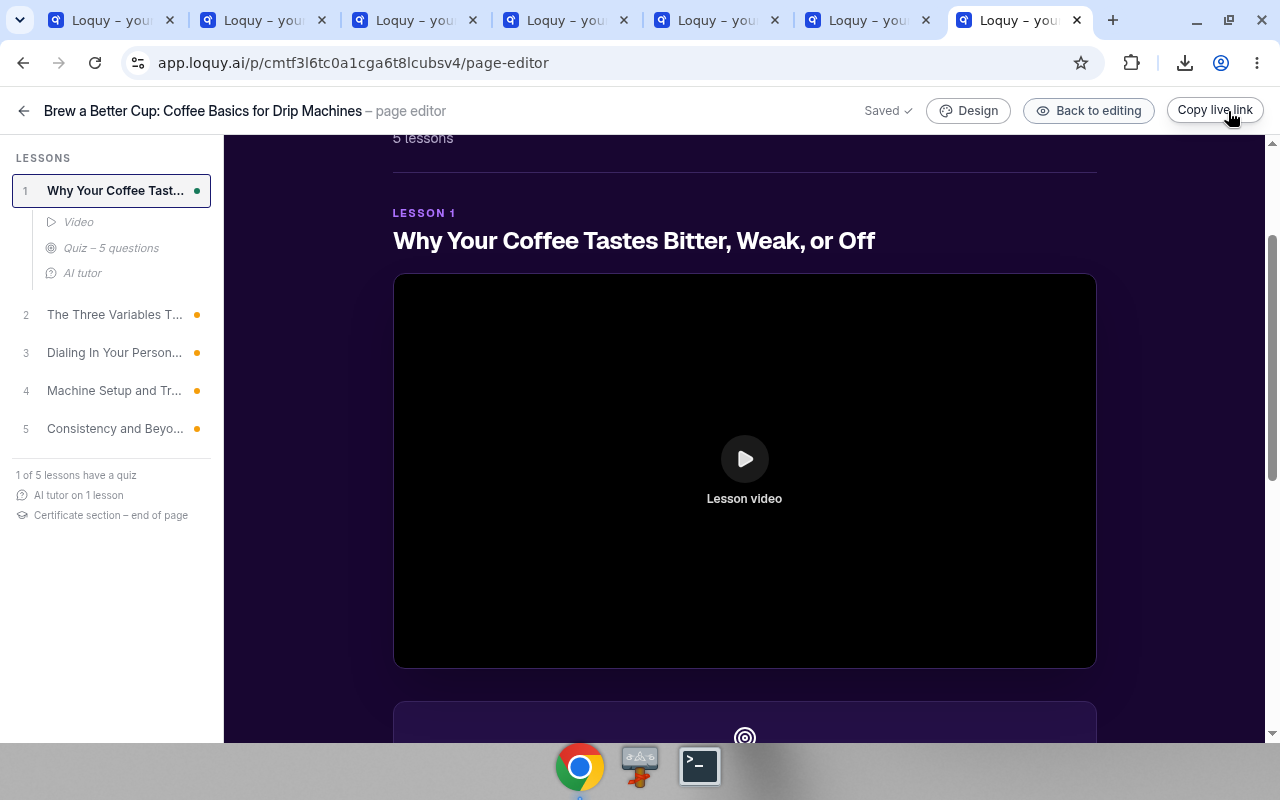
The button then becomes Copy live link.
You can also publish from the page editor. After it is live, that control is Copy live link.
After it is live
A Published toggle stays on. Flip it off to unpublish. Visitors then get a 404 until you publish again. The link stays the same.
Visibility: Public / Unlisted / Password.
What learners see on that live page: What students see.
The public URL looks like https://app.loquy.ai/c/{workspace}/{slug}.
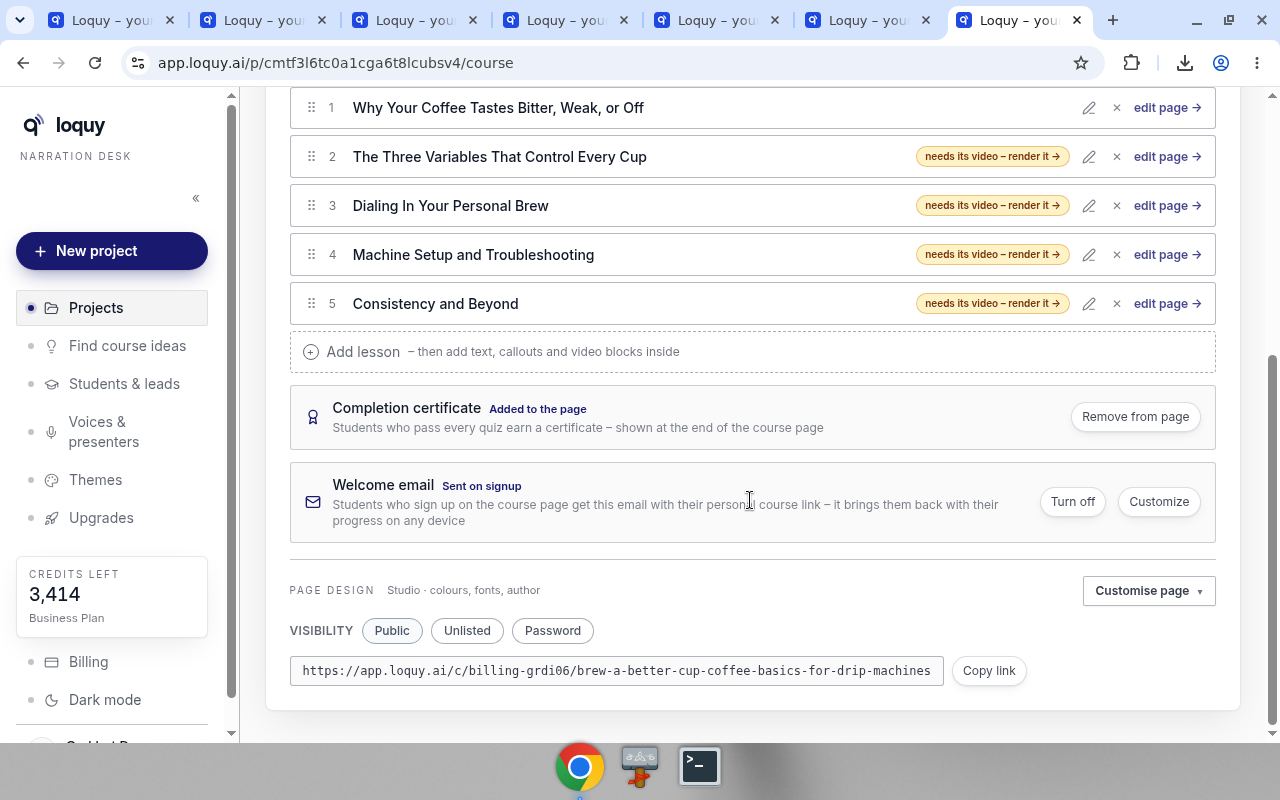
Click Copy link to copy it.
The Course builder shows a LIVE badge and Your page is live · public · quizzes on when quizzes are on.
Premium can have 25 live hosted courses at once. Business is unlimited.
To send the link, see Share.