
Appearance
AI tutor
The AI tutor is a Business feature.
Standard and Premium do not include the AI tutor.
Add the tutor
- Open the hosted course page editor.
- Click Open the page editor →
- Open Add.
- Under Student extras, click AI tutor (free).
The tutor sits at the end of that lesson. It answers from the lesson content.
What students see
On the live course page the prompt is Ask the tutor (or the same line in the course language).
The editor screenshot may still show the English author block.
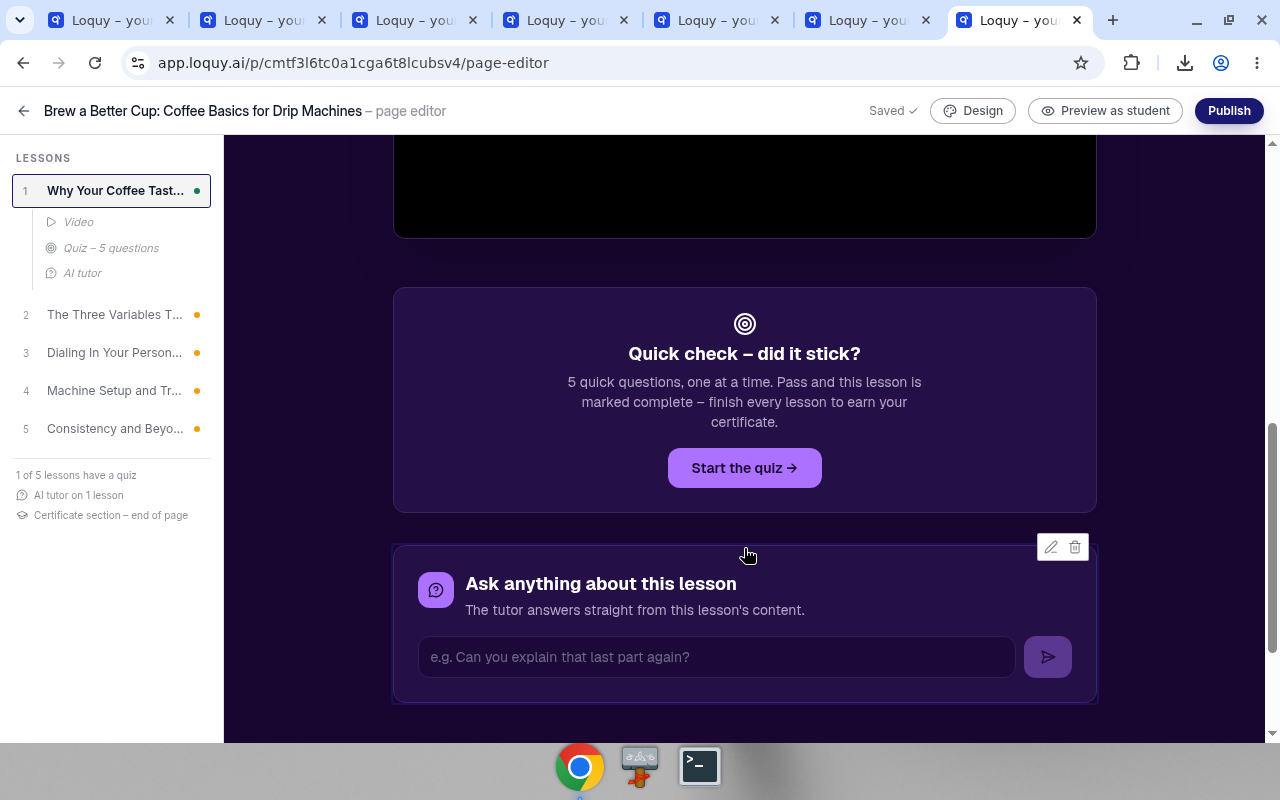
Students type a question on the live course page. They do not need a Loquy author account.