
Appearance
Your projects
After you sign in, you land on Your projects. This is your home list.
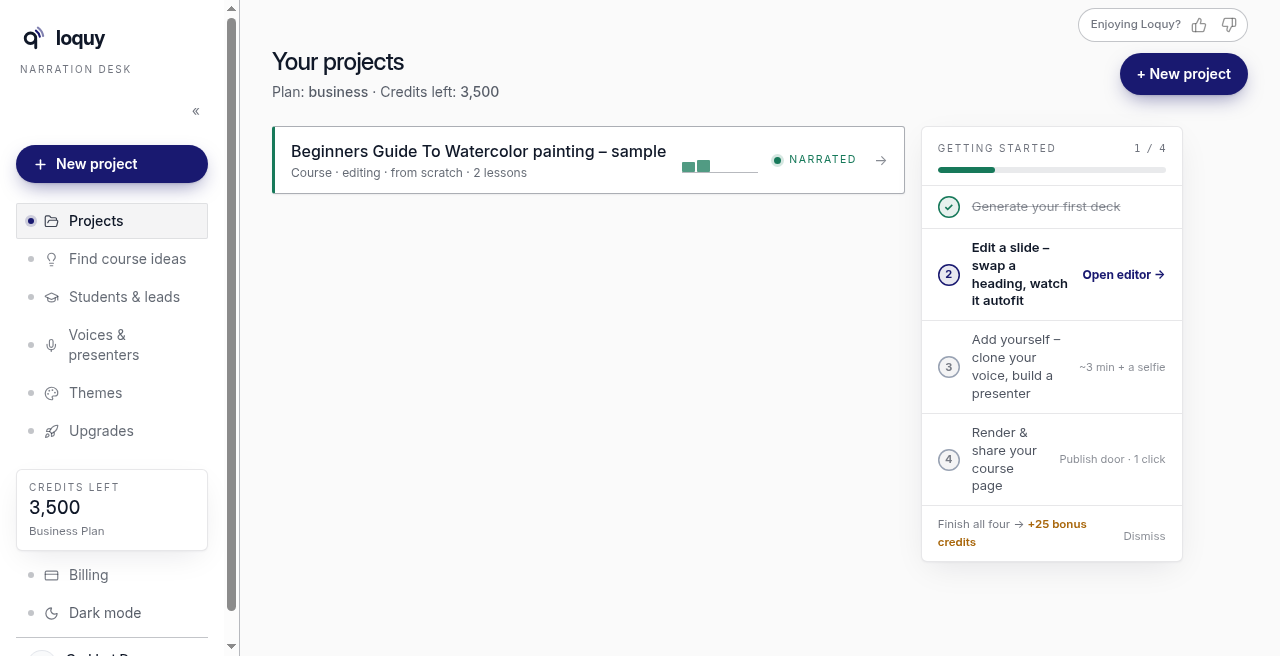
The left menu label under the logo is Narration desk. The first item is Projects.
On a phone or tablet (a narrow window too), there is no left menu. The bar at the top shows the logo, + (new project) and Menu (top right). Tap Menu to open the same menu as a list; tap an item, tap Menu again or press Escape to close it.
Open or start a course
- Click Projects in the left menu (on a phone: Menu, then Projects) if you are not already there.
- Click a course card to open that project.
- Or click + New project (top right) or New project in the left menu. On a phone, tap + in the top bar.
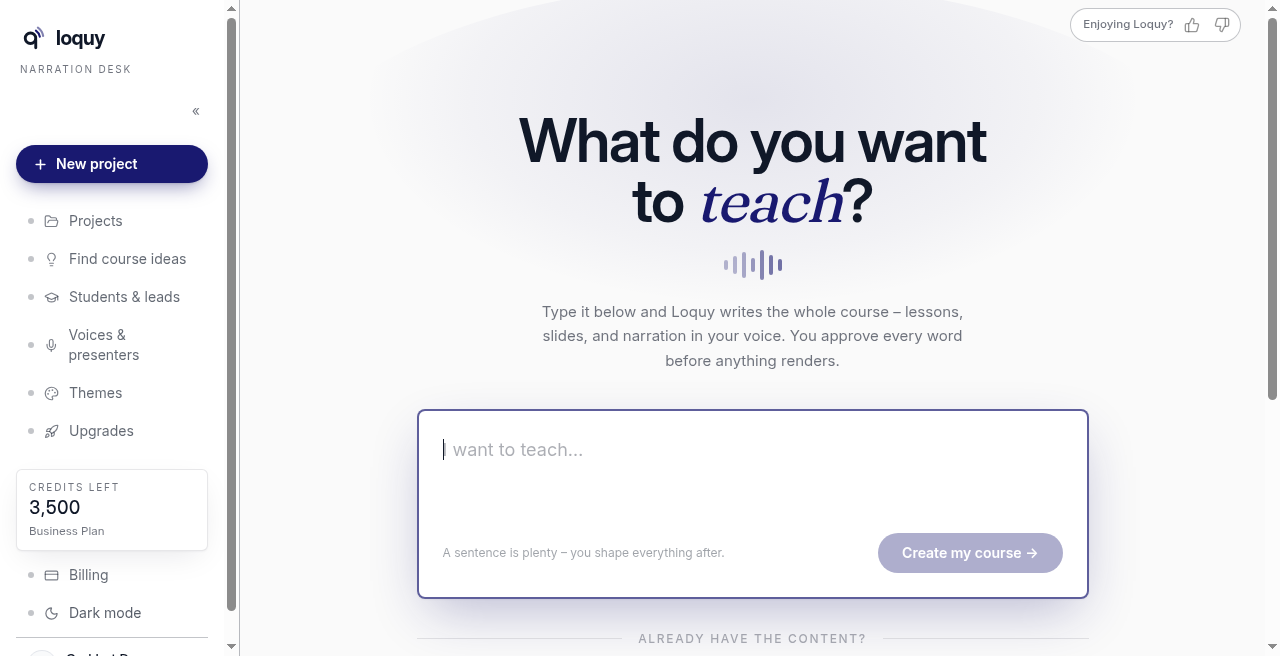
+ New project opens What do you want to teach? See Create from a sentence or Import a book, doc, or website.
What each card shows
Each row is one project. You will see the title, whether it is a course, and a short status.
Statuses you may see:
- Draft — started, not narrated yet
- Working — Loquy is writing or building slides
- Narrated — lessons have narration
- Failed — the last writing run did not finish
If writing failed, Loquy refunds those credits. Open the project and approve again. See Approve the outline.
The sample project is a playground. Work you do there does not spend credits.
Delete a project
There is no delete button on the projects list, so nothing goes by accident. Open the project and scroll to the very bottom: Delete this project. A draft that already has an outline opens on its Outline page; the button is at the bottom there.
Click it and confirm with Yes, delete it. The project's lessons, slides and narration (or, for a draft, its outline) are deleted for good. Pictures stay in your library.
If the course has students, a live course page or published videos, the confirm says exactly what else goes - for example 3 students and their progress, the course page and 2 published videos - and you type the course name before Delete it for good works. Students lose access, their progress is deleted and the links stop working; it can't be undone. If you want to keep the students, don't delete the course - unpublish its page instead.
Something still running (an import, writing, slide-making or a render) blocks the delete until it finishes.
Getting started list
Your projects may show a Getting started checklist. Finish the steps if you want the bonus credits it offers.
Some later checklist items (clone a voice, share a course page) are Premium or Business. On Standard, skip those and download your course instead.
Left menu (signed in)
On a phone or tablet the same items are under Menu (top right), in the same order.
| Label | What it is |
|---|---|
| New project | Start a course |
| Projects | This page |
| Find course ideas | A chat form for topics |
| Students & leads | Premium and Business |
| Voices & presenters | Who narrates |
| Themes | Slide looks |
| Upgrades | Next plan or extra credits |
| Billing | Plan and credit balance |
| Help | This help site (opens in a new tab) |
| Support | Email hello@loquy.ai |
| Your name / avatar (on a phone also Account settings) | Account |
| Sign out | Back to sign-in |
The credits chip in the left menu (on a phone: inside Menu) opens Billing.